
Your Mac. Part of something bigger.
Bring Quantx to your desktop. Chat, search, and work through tasks with AI designed to run locally and connect to a shared network of devices.
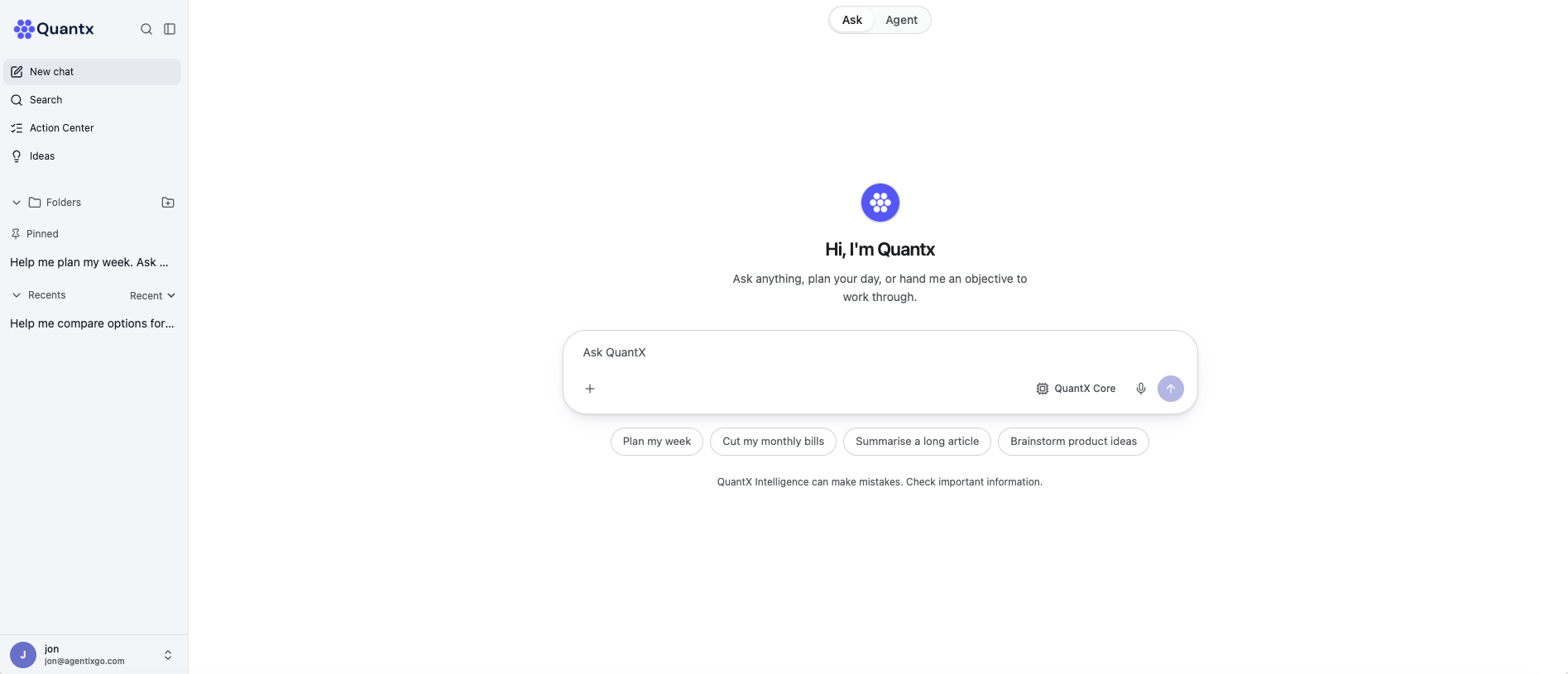
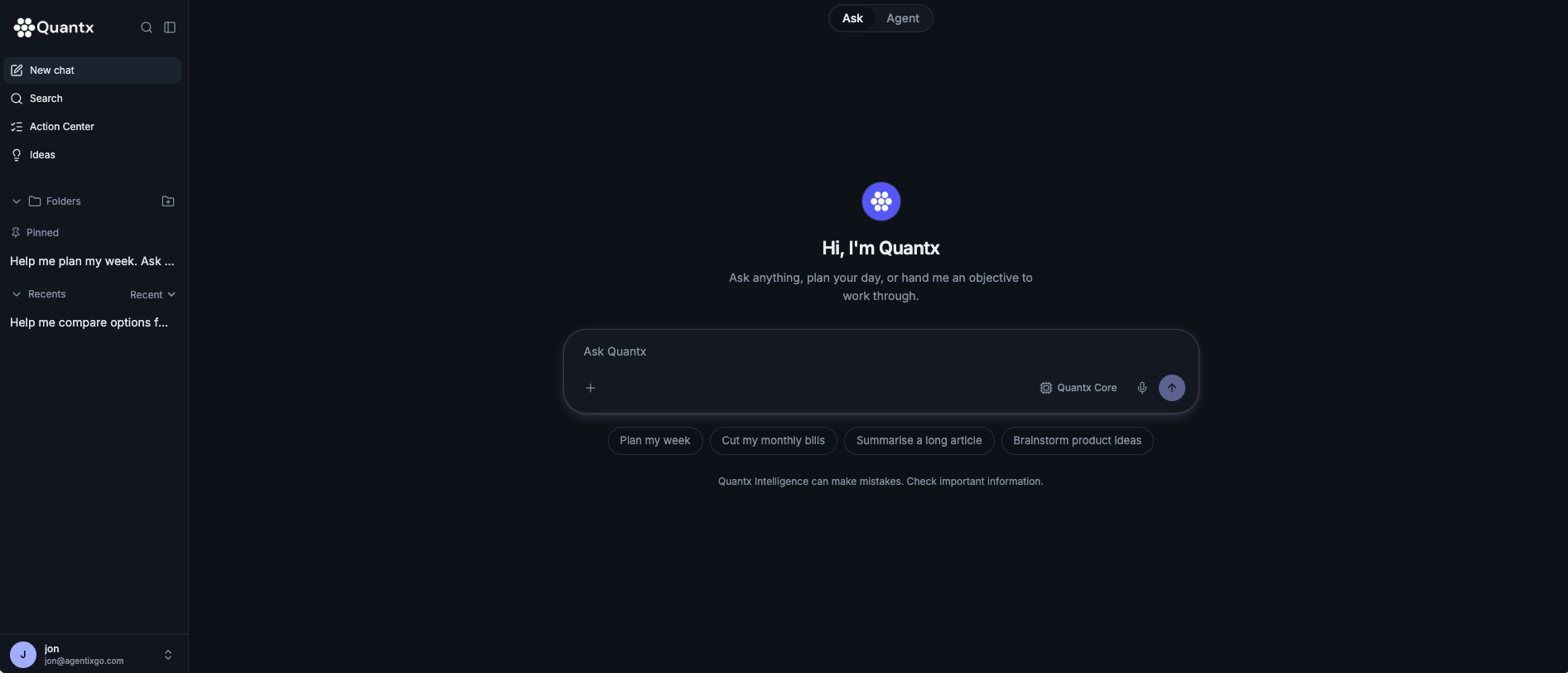
Make room for better work.
Ask questions, explore ideas, and work through your next objective in a focused desktop workspace.
Use the network. Help power it.
Your Mac can be more than a place to use AI. Supported Macs can also contribute available computing power to eligible workloads across the Quantx mesh. Joining Quantx means participating in a network built from the devices people already own.
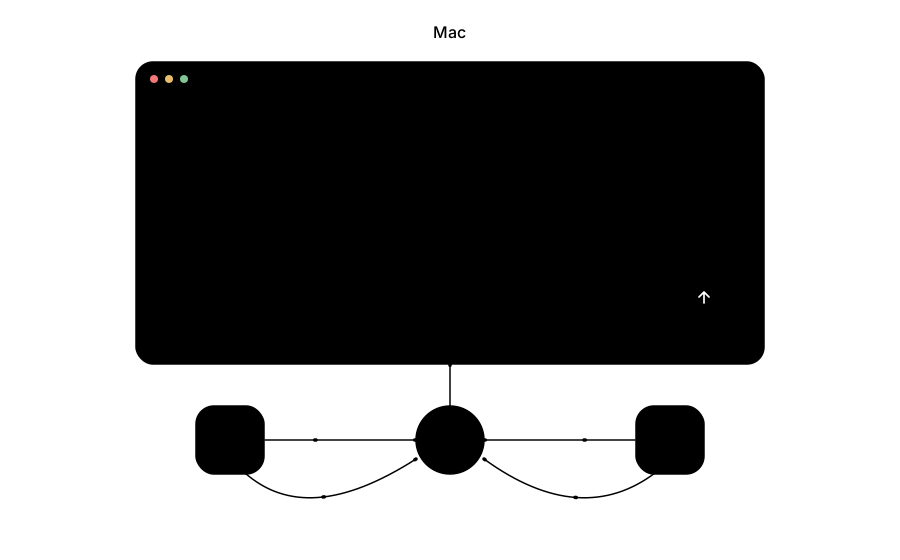
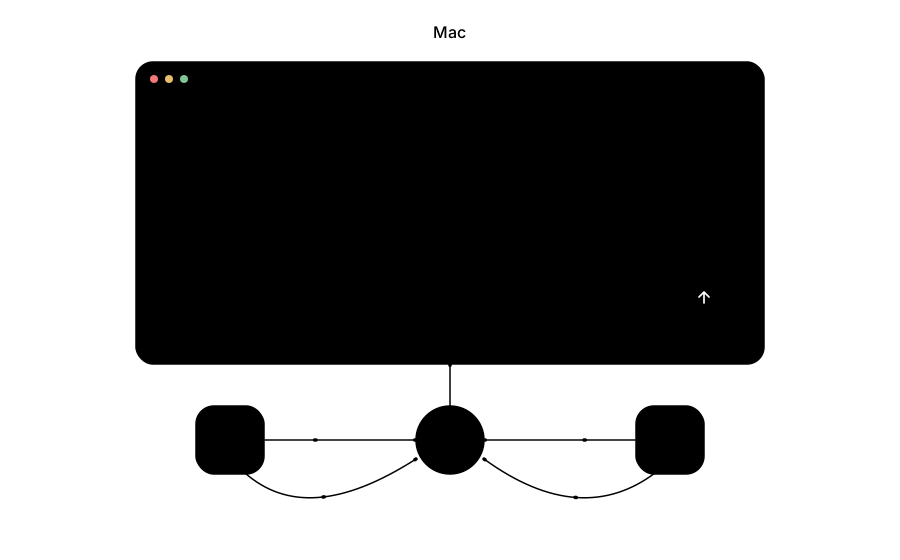
Connected across screens.
The mesh brings supported Macs, Windows PCs, iPhones, and Android devices into one network. Each device contributes according to its capabilities and availability.
A different foundation for AI.
Sharing existing computing capacity can reduce the need to rent cloud GPUs for every supported task. Quantx is being built to turn that approach into a more accessible AI service.
Know what runs on your Mac.
Before installation, we’ll explain resource usage, background operation, network activity, and the controls available. We’ll also distinguish local processing from requests that use other devices or services.
Compatibility, clearly explained.
Supported macOS versions, Apple silicon and Intel availability, memory requirements, and storage needs will be published before release.
Get Quantx for Mac.
Leave your email and we’ll let you know when the desktop app is ready.
Looking for another platform? Explore Quantx for Windows, iOS, and Android.
Explore Quantx proposed hardware