
Put your PC’s power to work.
Bring Quantx to Windows. Chat, search, and work through tasks with AI designed to run locally and connect your PC to the mesh.
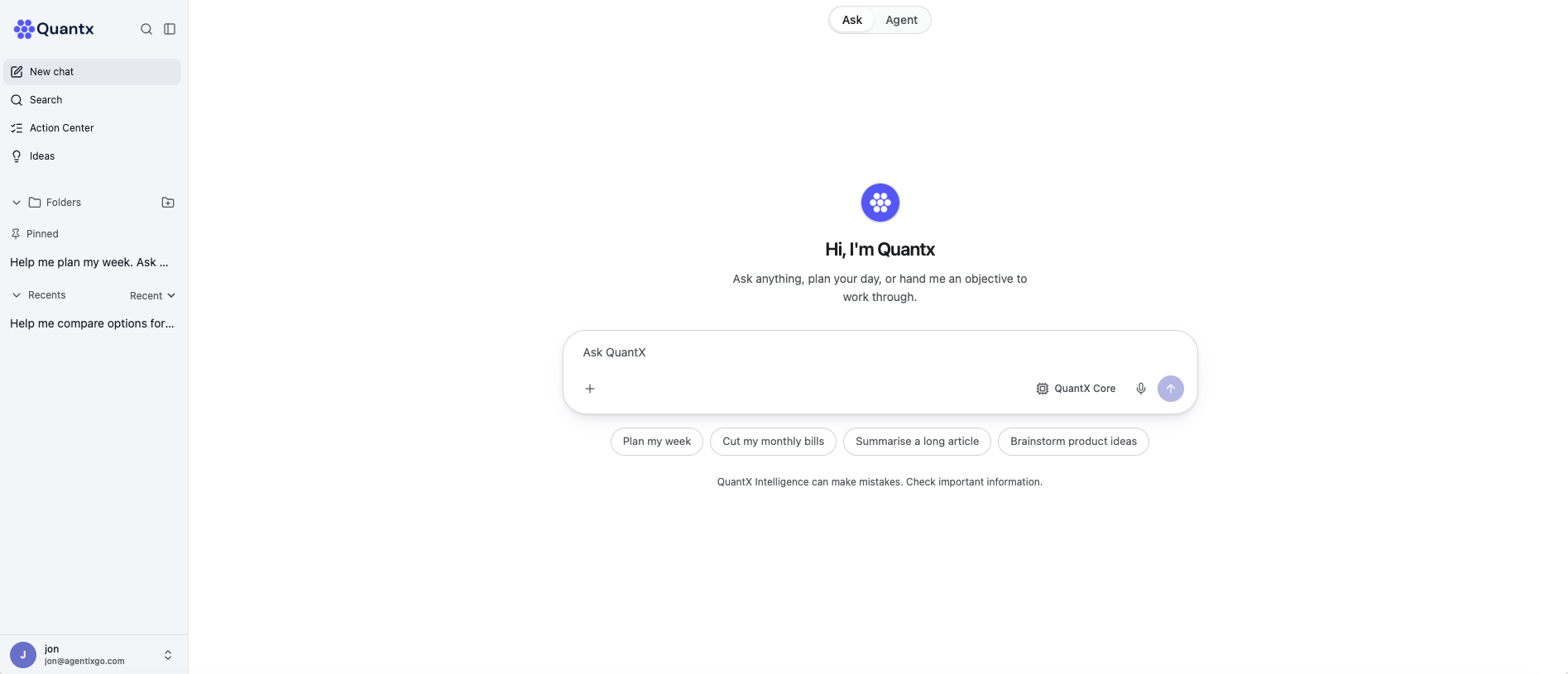
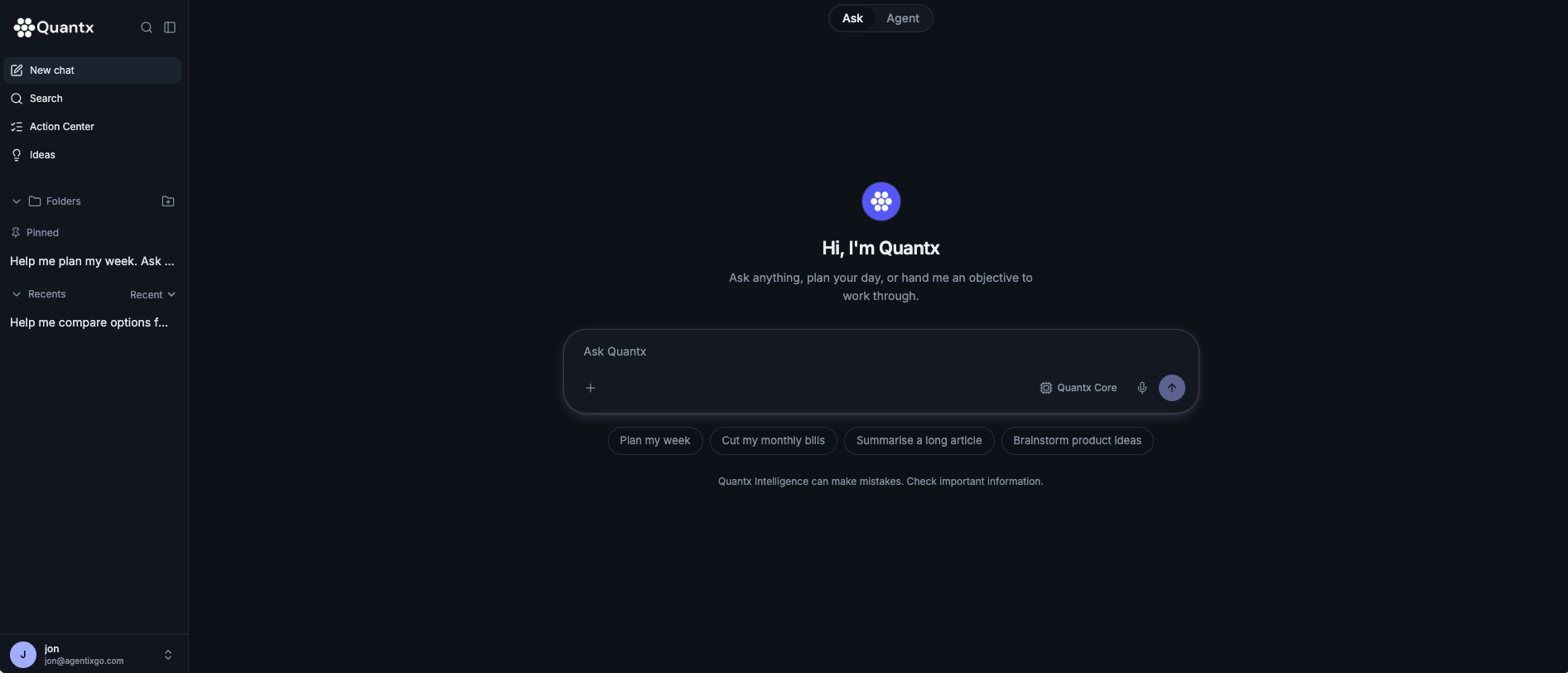
An AI workspace for your desktop.
Ask questions, find information, develop ideas, and work through your next objective in one focused interface.
Use the network. Help power it.
Supported PCs can contribute available computing power to eligible workloads across the Quantx mesh. Your computer becomes part of a network that both uses and supplies AI compute.
Participation depends on your hardware, available resources, and network conditions.
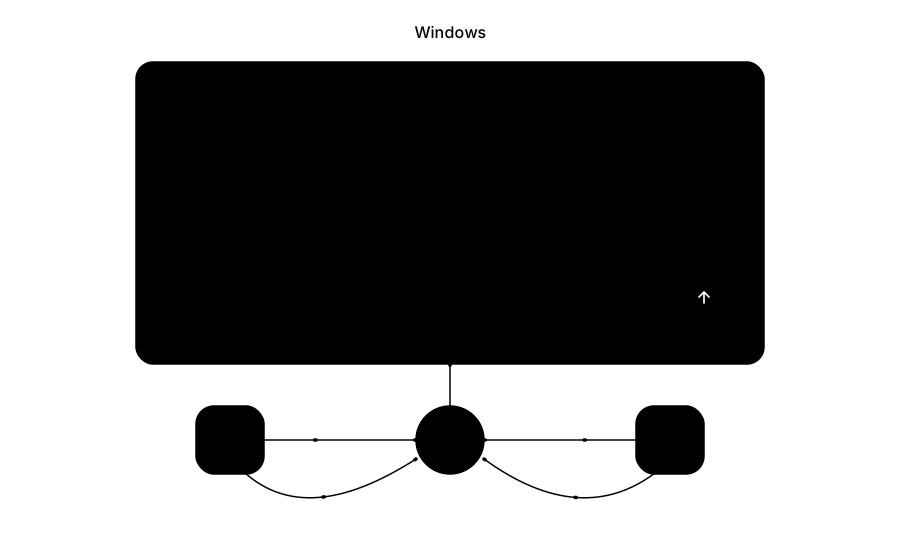
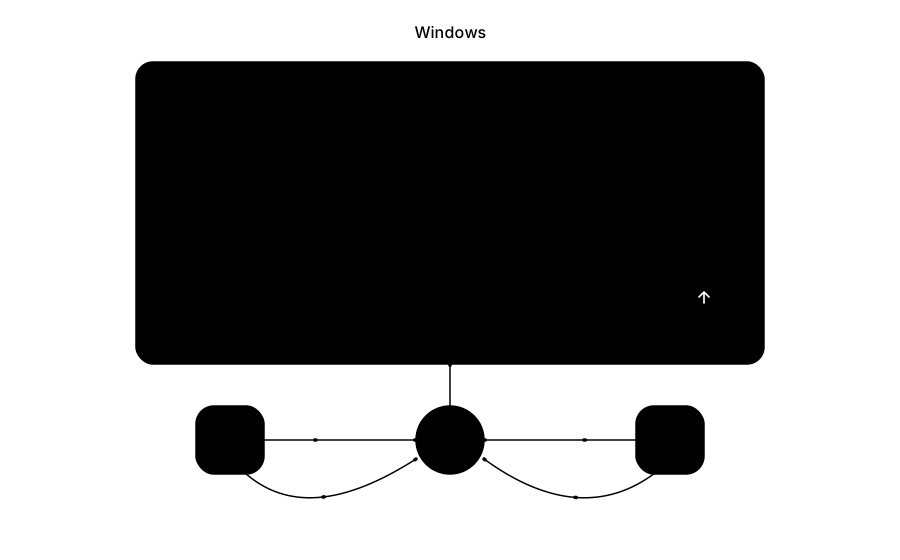
Different devices. Shared capacity.
Quantx connects supported Windows PCs, Macs, iPhones, and Android devices. Desktops and laptops can add capacity while phones make the network accessible on the go.
Built around hardware people already own.
The mesh is designed to put existing computing capacity to use and reduce reliance on centralized cloud infrastructure. The goal is more accessible AI, with less cloud compute required for supported workloads.
Know what your PC contributes.
Before installation, we’ll explain resource usage, background operation, network activity, and participation controls. We’ll also explain when requests run locally and when they use other devices or services.
Know what your hardware supports.
Supported Windows versions, processors, GPU compatibility, memory requirements, and storage needs will be published before release.
Get Quantx for Windows.
Leave your email and we’ll notify you when the download is available.
Looking for another platform? Explore Quantx for Mac, iOS, and Android.
Explore Quantx proposed hardware